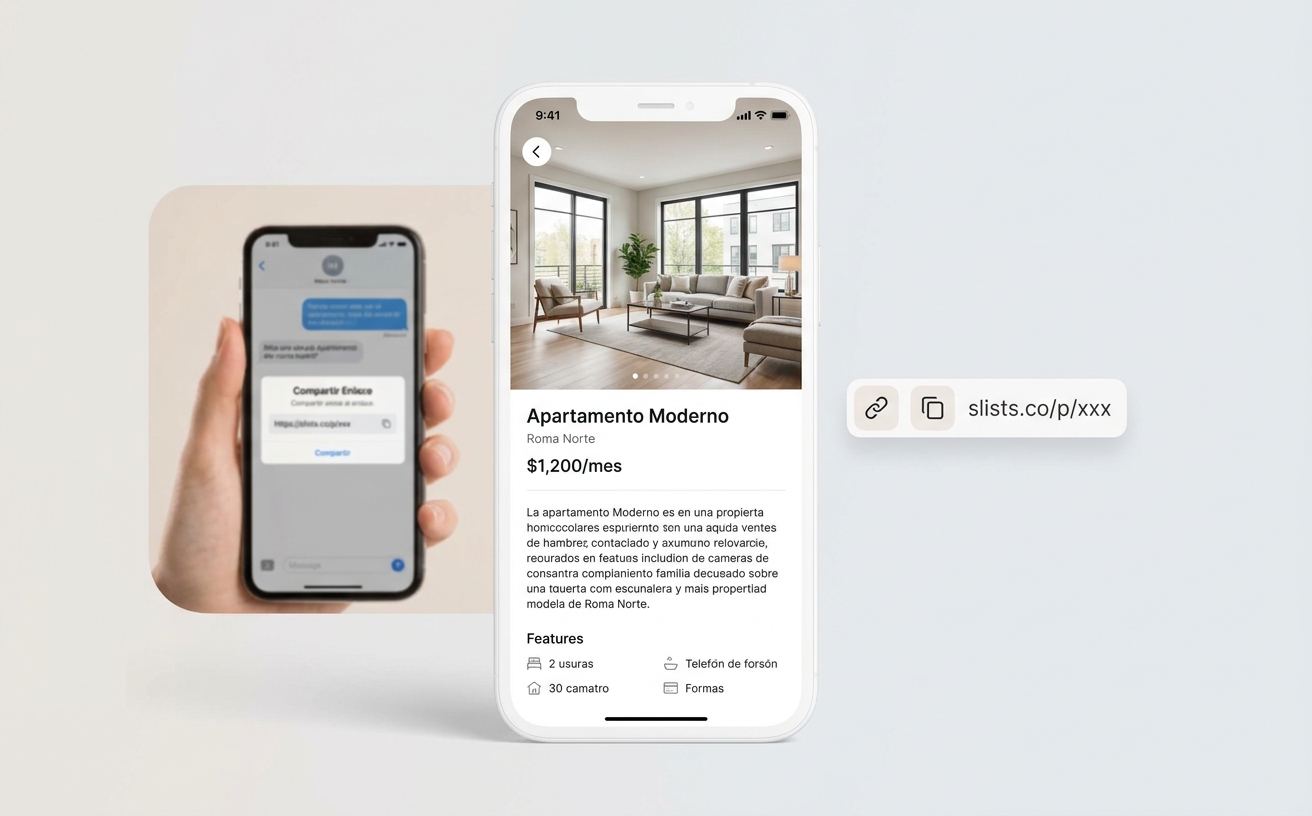
An agent wrote us with a scenario we hear all the time: you have a listing live, you send it to a colleague to show their buyers, and that colleague forwards it to their network. The problem: your standard link includes your WhatsApp, phone number, and contact form. Buyers end up reaching out to you — not the agent actually working with them.
The listing is yours, but the agent who closes might be someone else you trust. You needed a way to share the full listing page without giving away your contact info along the way.
That's why we added Copy link without contact details: a second URL for the same listing, with everything visual and none of the ways to reach you directly.
Collaborate without mixing up contacts
Real estate agents share listings constantly — co-brokes, referrals, a teammate's property that fits your buyer. Your regular link works great when you want to capture the lead. It's less helpful when you just want someone to review the property.
Sending screenshots loses quality. A PDF feels outdated. Sharing your public link exposes your cell number. You needed something in between: the same professional page, without your contact details.
What does this link do?
It generates a separate URL for the same listing — a short link (for example, slists.co/p/…) that opens your listing page with whichever design you've chosen (Gallery or Showcase), but in no-contact mode.
Your standard link stays the same for when you want to generate leads. This is a complement: two links, two purposes, one listing.
What's hidden and what stays
| Element | Standard link | No contact |
|---|---|---|
| Photos and gallery | ✓ | ✓ |
| Price, bedrooms, description | ✓ | ✓ |
| Map and neighborhood | ✓ | ✓ |
| WhatsApp button | ✓ | — |
| Contact form | ✓ | — |
| Agent phone number | ✓ | — |
The visitor sees a clean presentation of the property. Whoever receives the link — your colleague, their client, an agent group chat — can evaluate the listing without accidentally routing the contact back to you.
How to copy the link
- Open the listing in the editor
- Click Share (next to the listing URL)
- Choose Copy link without contact details
- Paste it into a text, email, or wherever you share with colleagues
The link is generated the first time you copy it; after that, you can grab it again whenever you need. Your standard link with contact details is still available in the same Share menu.
When should you use it?
- Sharing with a colleague who will show the listing to their buyers
- Sending to your agent network without getting accidental inquiries
- Posting in an internal group where multiple agents review inventory
- Showing the property without lead capture on that specific view — for example, a co-broke on a Scottsdale listing you're sharing with an Austin agent
Available on every listing
No paid plan or extra setup required. If you already have listings published, you can use it today from the editor.